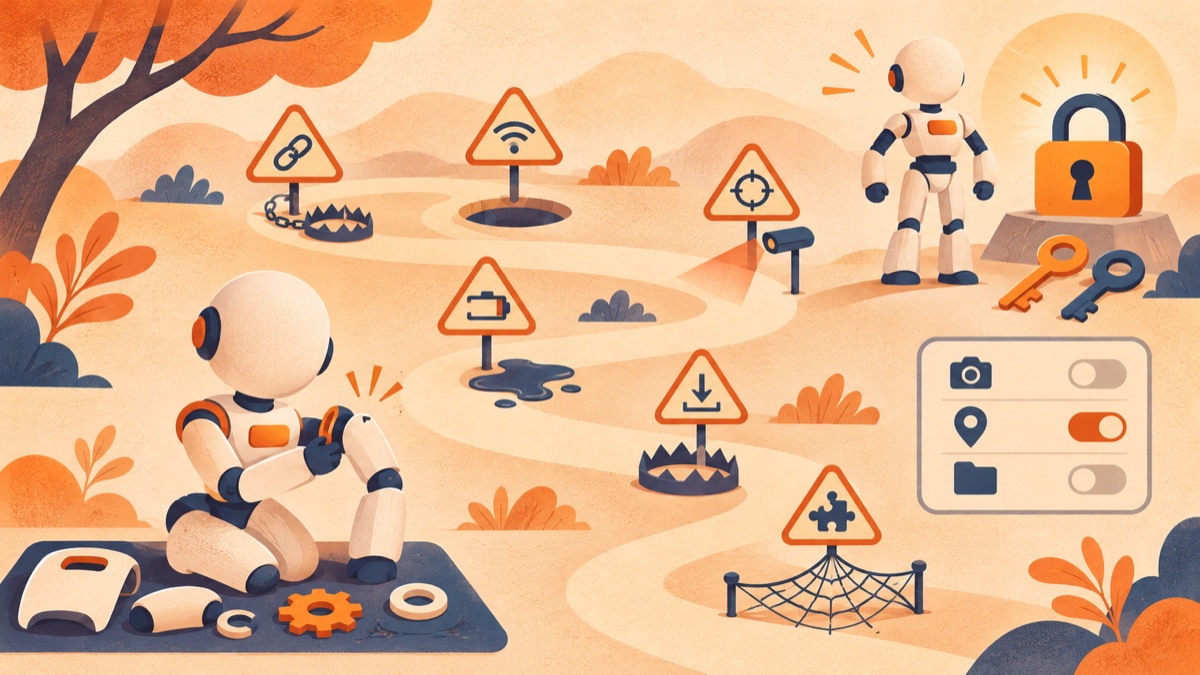
You can build a lot of automation with nothing more than the default GITHUB_TOKEN in GitHub Actions. But the moment your automation has to open a Pull Request, and that PR has to trigger CI properly in turn, you may find you need a separate GitHub App.
The goal this time was simple.
- Create a least-privilege GitHub App.
- Install it on exactly one specific repository.
- Issue an installation token that lives for an hour or less.
- Verify the permissions and the repository scope.
- Revoke the token immediately.
- Safely store the App ID, bot ID, and private key in the GitHub Actions settings for the next automation to use. In the end, the bootstrap succeeded. But the flow I had imagined as “click the create-App button once and you’re done” turned out to be closer to a small security protocol, with the manifest, the authenticating principals, API lifecycles, and secret handling all interlocking. This post is a record of the failures I actually ran into along the way, and the design principles I can reuse.
The final result
The redacted output of the final live probe looked like this.
| |
I did not print the private key, JWT, installation token, or PAT values. The results document doesn’t contain any credential values or file paths either.
Start by understanding the whole flow
Three different kinds of credentials show up in a GitHub App bootstrap.
| |
These three are not interchangeable. Call an App-only endpoint with a user PAT, or send a JWT the way you’d send an ordinary access token, and authentication fails. A bootstrap implementation has to model not “a single token string” but “who is calling which endpoint, and in what capacity.”
Pitfall 1. Even a disabled webhook needed a URL
The first error was this.
| |
The manifest already had the top-level url that represents the App’s homepage. What was missing was hook_attributes.url.
| |
Even with webhook delivery disabled and not a single event subscribed, the manifest contract still required a hook URL. My assumption that “I’m not using it, so I can probably leave it out” didn’t match the API schema.
GitHub’s App manifest documentation defines the top-level url and hook_attributes.url as separate fields. Since the error message can be ambiguous about which url it means, it’s better to validate the two contracts separately.
Pitfall 2. state was not something you put in the redirect URL
The second error was this.
| |
At first I thought the loopback HTTP URL itself was being rejected. But the real problem was that I had put the CSRF-protection state into the query string of redirect_url.
The wrong form looks like this.
| |
In the manifest flow, state has to be passed as a separate parameter on the POST URL that creates the GitHub App.
| |
And the redirect URL in the manifest only indicates where the callback lives.
| |
GitHub passes code and state back on the callback. The local helper has to generate an unpredictable state and proceed with the manifest conversion only when the state on the callback matches exactly.
Thanks to this distinction, the callback server could keep binding only to 127.0.0.1, and there was no need to set up a temporary public tunnel.
Pitfall 3. Creating an App and installing it are not a single transaction
Once the manifest conversion completes, you get the App ID and private key. But at that point the App may not yet be installed on any particular account or repository.
The initial implementation looked up the bot account right after creating the App. In the real flow, it was safer to verify the bot identity after the installation had been observed.
| |
There was a more important operational problem here. The initial private key you receive from the manifest conversion is a one-time response. If the process fails after the App is created but before the secret is stored, you can end up in the following state.
| |
This partially created state must not be mistaken for a normal completion. There are two options.
- A human deletes the partially created App and creates it again with the fixed helper.
- Generate a new private key in the App settings and carry out an approved recovery procedure. The automation must not delete the App on its own, either. Deletion changes an external asset in a way that would need recovery, so it must always have a human’s explicit approval.
Pitfall 4. A user token couldn’t list the installations
The initial helper queried the following endpoint using the user’s gh authentication.
| |
But what the bootstrap needs is not “the installations the current user can access” but “the installations of the App I just created.” The right way to do that lookup is with the App JWT.
| |
When locating the installation target, don’t rely on the App ID alone. Also check that the account ID on the installation object matches the owner you expect, because the same App can be installed on multiple accounts.
Pitfall 5. The JWT had to be sent as Bearer
The clearest authentication failure happened at the following stage.
| |
The JWT signature itself was fine. The problem was how it was sent. If you pass it like an ordinary access token, GitHub doesn’t recognize it as a GitHub App JWT.
GitHub’s JWT authentication documentation states explicitly that you must use Authorization: Bearer for the JWT.
I also avoided simply putting the header in a CLI argument.
| |
Instead, I built the header in memory inside Python’s HTTPS client.
| |
This approach avoids shell interpolation and reduces the risk of the JWT appearing in command arguments or execution logs. I used the same boundary for the installation token.
Pitfall 6. I shouldn’t have relied on an old convenience endpoint
After getting as far as successfully issuing the installation token, the next call returned a 404.
| |
This call wasn’t actually necessary. The installation object I had already received with the App JWT contained the App ID, repository selection, and permissions. With the installation token, it was enough to check just the list of repositories it could actually access.
The final verification combined the following two pieces of evidence.
| |
Calling one more legacy endpoint as a redundant check didn’t make anything safer. If anything, it just added another place to break when the API changes.
Balancing redaction and diagnosability
The early failure reports showed every API error like this.
| |
That prevented secret leaks, but with no way to tell which call had failed, debugging was expensive. On the other hand, printing the full endpoint as is can end up recording unnecessary values such as the manifest conversion code or the installation ID.
In the end I used the following principles.
- Paths that may contain secrets are logged under fixed aliases such as
manifest_conversionandinstallation_token. - For safe endpoints, only the stage is logged, with the query string stripped.
- HTTP errors are distinguished as
http_403,http_404,http_422,http_429, and so on. - Response bodies, auth headers, and token values are never logged. Good redaction isn’t “leaving no information behind.” It means removing the secrets while still leaving the minimum structural evidence needed to decide what to do next.
Revoke the installation token right after use
An installation token is valid for up to one hour. In this probe I confirmed the TTL was 3599 seconds, and ran the following cleanup request right after verification.
| |
It’s not enough for revocation to exist only on the success path. It has to run even when an exception is raised during repository scope verification or permission verification, so it belongs in a cleanup boundary equivalent to finally.
| |
That’s why I included token_discarded=true in the final PASS conditions.
Store secrets only after every verification
The repository secret and variables were set only after all of the following checks had finished.
- The App manifest’s permission and event contract
- The installation account
repository_selection=selected- Whether exactly one repository is selected
- Installation token TTL
- The actual token permissions
- Bot identity
- Token revocation After that, I stored the following three settings.
| |
If something fails partway through, only the items created in this run are rolled back, in reverse order. The user’s existing settings and unrelated secrets are left untouched.
A checklist for the next installation
If I implement a GitHub App bootstrap again, I’d recommend the following order.
[ ] Start from a fresh checkout.
[ ] Check gh auth status.
[ ] Make sure stale GITHUB_TOKEN and GH_TOKEN values in the environment aren’t hijacking keyring authentication.
[ ] Validate the manifest’s homepage URL and hook URL separately.
[ ] Pass state as a separate parameter on the POST URL.
[ ] Bind the callback server to loopback only.
[ ] Issue the App JWT with RS256 and a short lifetime.
[ ] Always send the JWT in a Bearer header.
[ ] Observe the App installation with the App JWT.
[ ] Check the bot after installation.
[ ] Verify the installation token’s TTL, permissions, and repository scope.
[ ] Revoke the token on both success and failure.
[ ] Store the secret and variables only after every verification.
[ ] Leave only redacted fields in the final result.
[ ] Distinguish between mock success and live GitHub success.
Wrapping up
GitHub App bootstrap was not a UI automation problem. The crux was safely connecting different authenticating principals and the lifecycles of one-time credentials.
Three principles stuck with me most from this experience.
First, don’t guess at the fields and authenticating principals in the API docs; treat them as contracts. Second, design for hiding secrets and for making failure causes observable at the same time. Third, when creating external assets, assume mid-flight failure and build the recovery and rollback boundaries first.
In the end, the App was installed on a single repository with least privilege, and everything through issuing and revoking a token of an hour or less was verified live. Now I can keep this result not as “manual work that succeeded once” but as operational knowledge that can be repeated on the next run.